



Introduction: The Critical Digital Decision of 2025
In 2025, your choice of website builder is no longer a back-office technicality—it’s a strategic business decision that directly shapes marketing effectiveness, operational agility, and long-term scalability.
A website is now more than just an online brochure. It’s your digital headquarters—a sales channel, a customer experience hub, and often the first point of contact between your brand and the market. Choosing the right platform determines not only how well you compete today but also how adaptable your digital presence will be tomorrow.
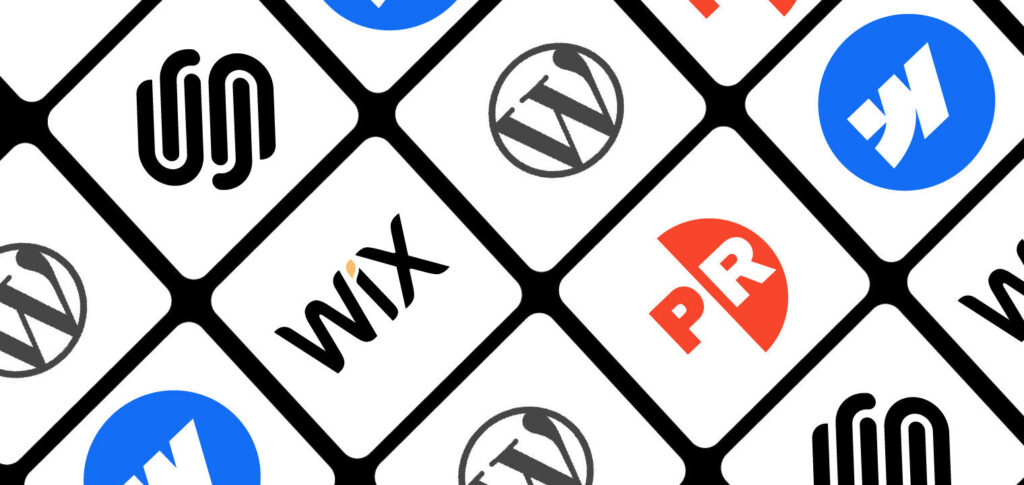
With WordPress powering more than 43% of the world’s websites and hosted solutions like Webflow, Squarespace, and Wix rapidly gaining traction, the market has never been more competitive—or more confusing.
This guide provides a decision-making framework to help you identify the platform best aligned with your goals—whether you’re a solopreneur, an agile marketing team, or a scaling enterprise.
Understanding the Modern Website Builder Landscape
The Two Foundational Approaches
Before evaluating specific platforms, it’s essential to recognize that all website builders fall into two primary categories:
- Open-Source CMS (e.g., WordPress.org)
- You own and control everything.
- Requires separate hosting, domain management, and ongoing maintenance.
- Virtually unlimited customization and scalability.
- Higher technical barrier and greater responsibility for security.
- Hosted Website Builders (e.g., Webflow, Squarespace, Wix, WordPress.com)
- All-in-one solutions with integrated hosting, security, and support.
- Limited customization beyond platform capabilities.
- Subscription-based pricing with predictable costs.
- Prioritize convenience and speed over ultimate flexibility.
Your decision should start by choosing between control versus convenience.
The Decision Framework: Self-Hosted vs. Hosted
Choose WordPress (Self-Hosted) if you:
- Require full control over design, features, and data.
- Have (or can hire) technical resources.
- Need advanced functionality, custom integrations, or databases.
- Want to avoid vendor lock-in.
- Are building a digital presence with long-term scalability in mind.
Choose Hosted Builders if you:
- Want to launch quickly with minimal friction.
- Prefer hands-off maintenance.
- Have a predictable budget for monthly costs.
- Prioritize ease of use and speed over infinite flexibility.
- Need bundled hosting, security, and customer support.
Platform-by-Platform Analysis (2025 Edition)
WordPress: The Open-Source Powerhouse
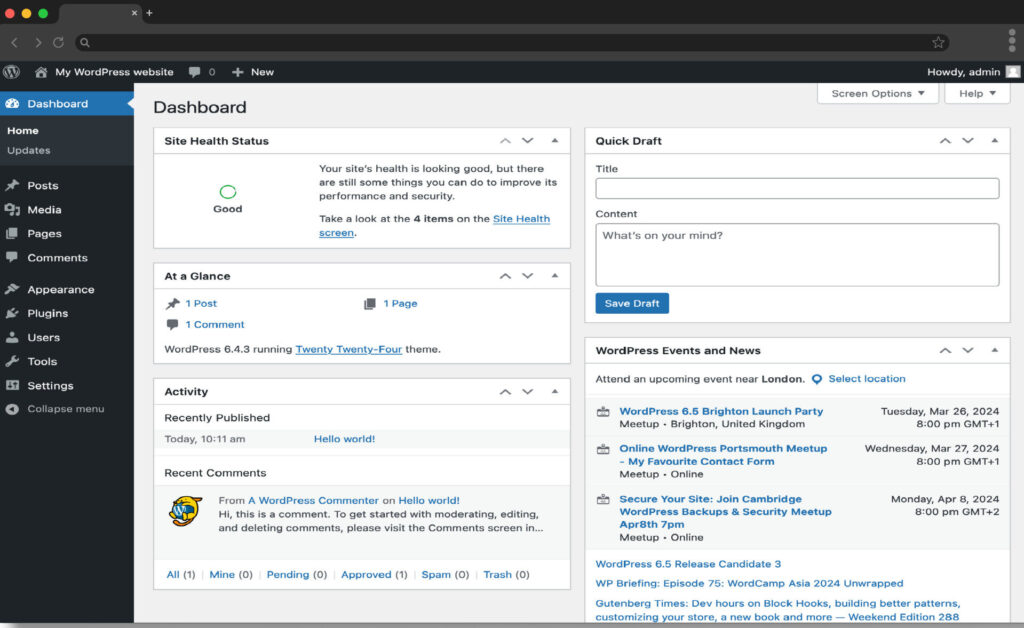
WordPress remains the world’s most powerful and versatile website platform, powering over 43% of all websites globally. As an open-source CMS, it offers complete ownership, unlimited customization, and access to a vast ecosystem of 60,000+ plugins and themes.
From blogs and media sites to enterprise-grade e-commerce stores powered by WooCommerce, WordPress can scale with virtually any business need. While it requires technical know-how, ongoing maintenance, and performance optimization, its unmatched flexibility, SEO capabilities, and global developer community make it the go-to choice for businesses seeking full control and long-term scalability.
Market Position
- Still dominates with 43%+ global share.
- Supported by the world’s largest ecosystem of developers, plugins, and themes.
Versions Explained
- WordPress.org: Self-hosted, open-source, full control.
- WordPress.com: Hosted version, simpler but more limited.
Cost Structure
- Core software: Free
- Hosting: $3–500+/month (shared → enterprise-grade)
- Themes: $30–100 (one-time)
- Plugins: $20–200/year each
- Developer support: $50–200/hour
- Total annual cost: $100–$10,000+ depending on scale
Strengths
- Unlimited flexibility with access to code.
- 60,000+ plugins extend functionality.
- SEO supremacy (Yoast, RankMath).
- Most powerful content management system.
- WooCommerce powers 28% of all online stores.
- Global developer community and support ecosystem.
- Full ownership of data and design.
Limitations
- Steep learning curve for beginners.
- Maintenance (updates, backups, security) is on you.
- Requires optimization for performance.
- No centralized customer support.
Best For
- Content-heavy sites (blogs, media).
- E-commerce requiring customization.
- Enterprises and agencies.
- Tech-savvy or resource-backed teams.
Webflow: The Designer’s Dream
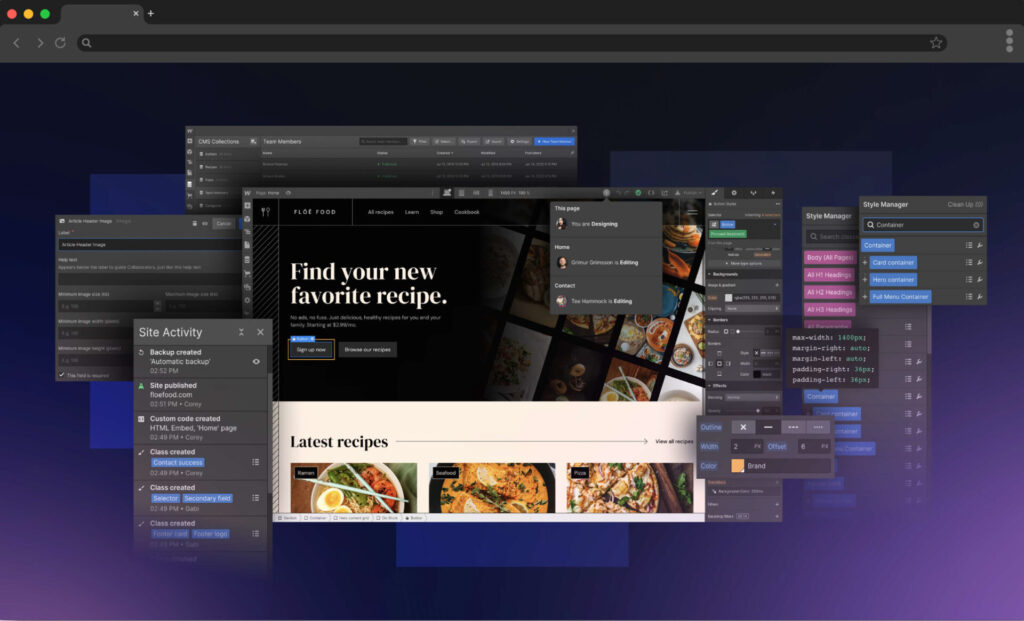
Webflow is the leading visual development platform, bridging the gap between professional design and clean, production-ready code. Favored by creative agencies, SaaS companies, and startups, it enables pixel-perfect control, advanced animations, and responsive layouts without traditional coding.
With built-in performance optimization, a flexible CMS, and enterprise-grade hosting, Webflow empowers brands to deliver cutting-edge digital experiences. While it carries a steeper learning curve, higher pricing, and limited e-commerce compared to Shopify or WooCommerce, Webflow is the ideal choice for design-led teams and businesses prioritizing credibility, aesthetics, and long-term scalability.
Market Position
- Known as the “visual development” platform—bridging design and coding.
- Gaining adoption among creative agencies, SaaS, and design-led startups.
Cost Structure
- Site plans: $14–$39/month (basic–business).
- E-commerce: $29–$212/month.
- Designer plans: Free–$49/month.
Strengths
- Visual development with clean, semantic code output.
- Built-in Core Web Vitals optimization.
- Advanced animations and interactions.
- Flexible CMS for dynamic content.
- Enterprise-grade hosting (CDN-backed).
- True pixel-perfect creative freedom.
Limitations
- Steeper design learning curve than Squarespace/Wix.
- Pricier than most alternatives.
- Smaller app/plugin ecosystem.
- Limited e-commerce vs. Shopify/WooCommerce.
- No server-side scripting.
Best For
- Agencies and professional designers.
- SaaS companies prioritizing credibility and design.
- Startups needing cutting-edge brand presence.
- Portfolios and creative showcases.
Squarespace: The Aesthetic All-in-One
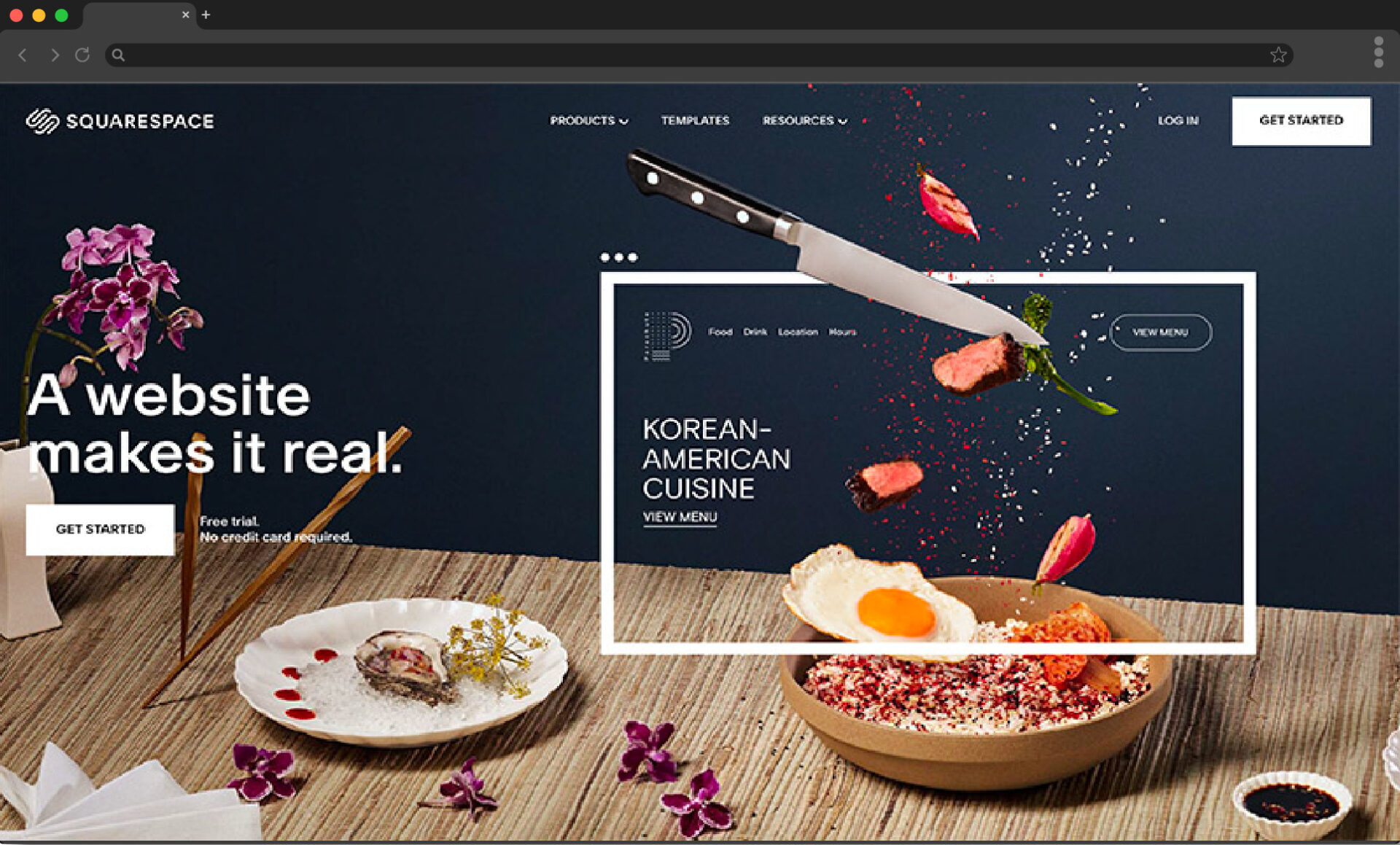
Squarespace is a premium all-in-one website builder known for its award-winning design templates and ease of use. Tailored for creatives, entrepreneurs, and small businesses, it offers beautifully cohesive designs, built-in marketing tools, scheduling, and responsive layouts that work seamlessly across devices.
With integrated hosting, 24/7 support, and bundled features like email campaigns and analytics, Squarespace delivers a polished digital presence without technical complexity. While it offers less customization and fewer integrations compared to open-source platforms, it remains the go-to solution for users who value simplicity, style, and convenience over deep flexibility.
Market Position
- Premium platform known for design excellence.
- Targeting creatives, small businesses, and service professionals.
Cost Structure
- Personal: $16/month
- Business: $23/month
- Commerce Basic: $27/month
- Commerce Advanced: $49/month
Strengths
- Award-winning, ready-made templates.
- All-in-one with email, scheduling, analytics.
- Excellent mobile responsiveness.
- Smooth content presentation (typography, images).
- Built-in marketing tools (email, social, SEO basics).
- 24/7 customer support.
Limitations
- Limited customization beyond templates.
- No third-party plugin marketplace.
- Fewer integrations than WordPress.
- Some performance limitations.
Best For
- Creative professionals (artists, photographers).
- Small businesses (restaurants, consultants).
- Nonprofits and event sites.
- Entrepreneurs who want a stylish site quickly.
Wix: The Feature-Rich Flexibility Champion
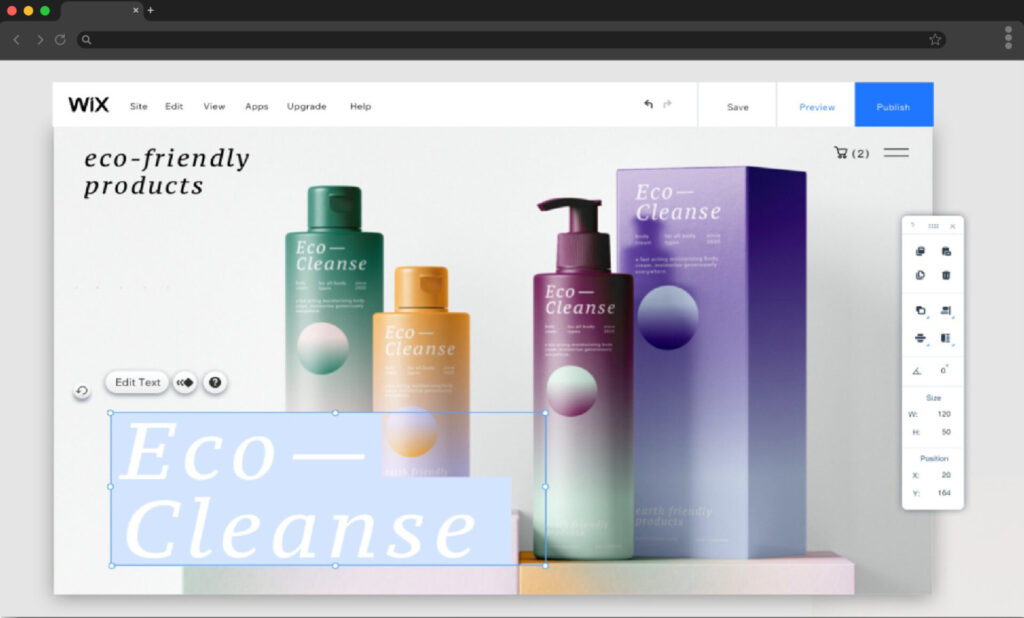
Wix is a user-friendly website builder designed for individuals, entrepreneurs, and small businesses who want to get online quickly. Its drag-and-drop editor, 800+ templates, and built-in tools make it simple to create functional websites without coding. With features like Wix ADI (AI-powered design), an app marketplace, e-commerce capabilities, and integrated hosting,
Wix offers an accessible all-in-one package. While it provides less design freedom and scalability compared to open-source or developer-focused platforms, Wix remains a strong choice for beginners and small teams who value speed, ease, and affordability in building a professional online presence.
Market Position
- Appeals to the broadest market with AI-driven tools and 300+ apps.
- Popular among beginners and small businesses.
Cost Structure
- Free (with ads).
- Premium: $4.50–$49/month.
- Business/e-commerce: $27–$49/month.
Strengths
- Wix App Market for easy add-ons.
- Drag-and-drop freedom (absolute positioning).
- AI website builder (Wix ADI).
- Velo by Wix: custom code + databases.
- Built-in booking systems, SEO, multi-language tools.
Limitations
- Performance can lag with multiple apps.
- Template lock-in after publishing.
- Perception as “less professional” vs. WordPress/Webflow.
- Hard to migrate away.
Best For
- Small businesses.
- Service providers with booking needs.
- Budget-conscious users testing ideas.
- Beginners building their first site.
Quick Builder Comparisons
Strikingly: Ultra-fast single-page builder (landing pages, events). $8–$49/month.
Hostinger Website Builder: Budget-friendly ($2.99–$8.99/month) with AI features. Best for lean startups and microbusinesses.
Decision Matrix (By Use Case)
E-commerce
- Large catalog/complex → WordPress + WooCommerce.
- Design-centric → Squarespace Commerce.
- Quick setup/diverse → Wix Stores.
- Custom checkout → Webflow E-commerce.
Service Businesses
- Appointment-based → Squarespace or Wix.
- Professional services → Webflow (credibility).
- Local SEO-driven → WordPress.
Content Publishers
- Heavy publishing → WordPress.
- Magazine-style → Squarespace.
- Personal blogs → Any platform.
Creative Professionals
- Portfolios → Webflow or Squarespace.
- Interactive showcases → Webflow.
- Simple galleries → Wix or Squarespace.
SEO, Performance & Migration
SEO Power Ranking
- WordPress – Full control, advanced plugins.
- Webflow – Strong technical SEO, clean code.
- Wix – Improved dramatically with robust tools.
- Squarespace – Solid basics, less flexibility.
Performance Ranking
- Webflow – Fastest out of the box.
- WordPress – Excellent if optimized.
- Squarespace – Good, with some limits.
- Wix – Slower with heavy apps.
Migration & Lock-In
- WordPress = complete portability and ownership.
- Others = locked ecosystems, migration challenges.
Future-Proofing Your Choice
When selecting a platform, think in time horizons:
- 6 months: Does it meet immediate goals?
- 2 years: Can it scale with your growth?
- 5 years: Will you need to migrate or rebuild?
Action Framework for Decision-Making
- Define Your Core Goal (lead gen, content, e-commerce, brand showcase).
- Assess Your Resources (budget, skills, IT support).
- Forecast Growth (short-term needs vs. long-term scalability).
- Test Platforms (free plans, trials, demos).
Conclusion: No Universal “Best”—Only Best for You
In 2025, the website builder market offers unprecedented choice and capability.
- Choose WordPress if you need ultimate flexibility, scalability, and ownership.
- Choose Webflow if design precision and performance are mission-critical.
- Choose Squarespace if you want aesthetic simplicity with all-in-one convenience.
- Choose Wix if you need budget-friendly flexibility and diverse features.
- Choose Strikingly or Hostinger for ultra-lean, ultra-fast deployment.
The right platform isn’t about chasing trends—it’s about aligning with your goals, your resources, and your future trajectory.
Your website is the digital foundation of your business. Choose wisely.